-
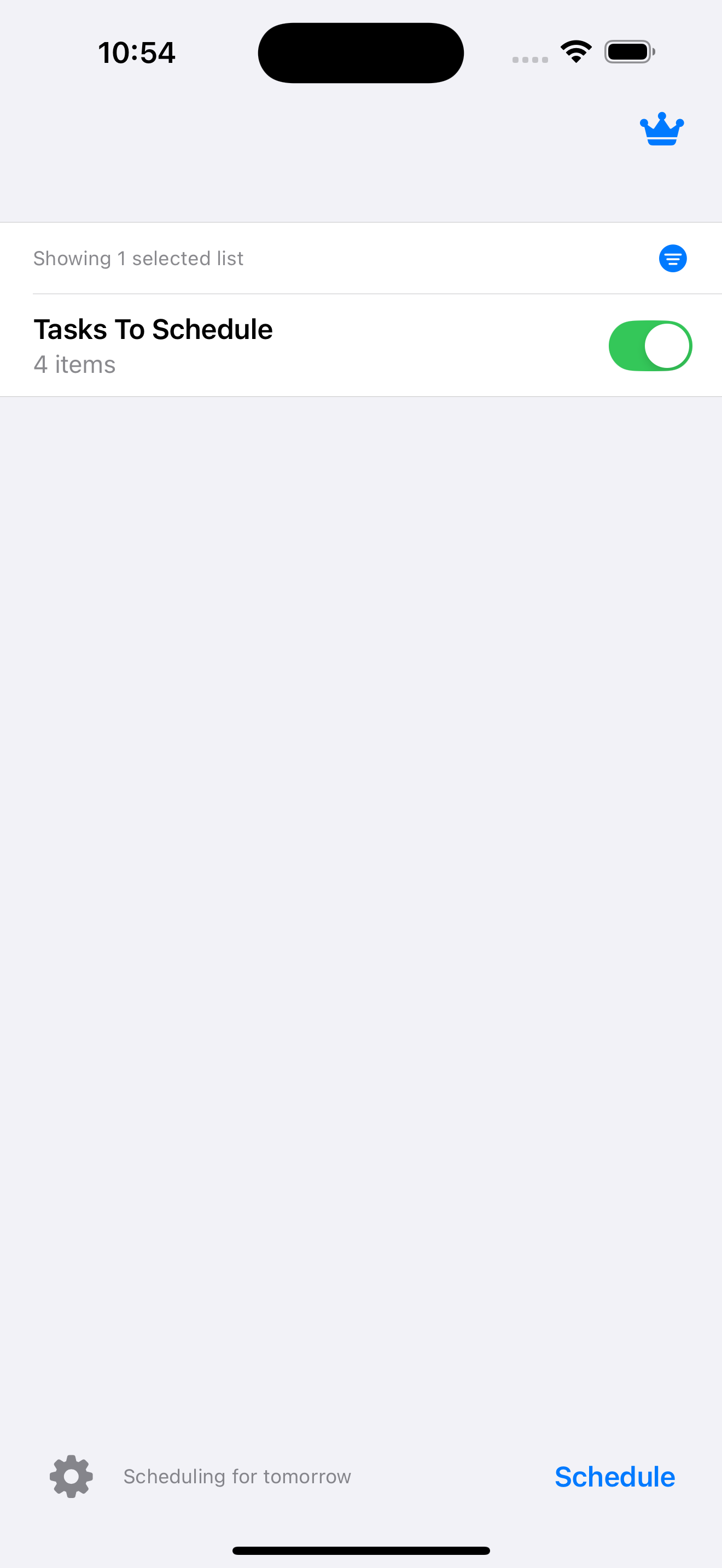
Schedule Your Reminders around existing events in your Calendar.
Love Apple Reminders? Rely on Apple Calendar? So do we. And now you can bring them together like never before. Schedule your reminders perfectly around your calendar events, making sure your to-dos fit your life.
-
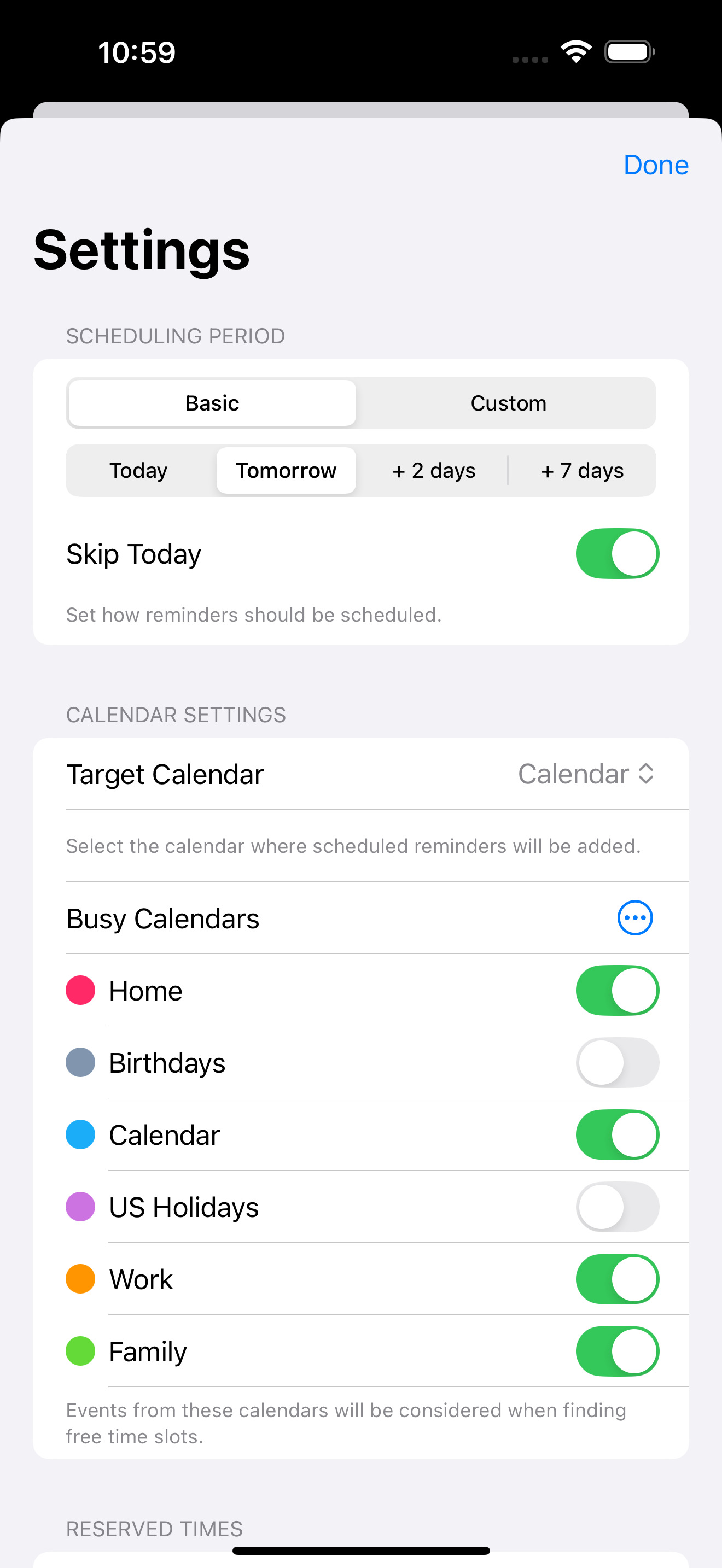
Custom Scheduling Period
Choose how far into the future you want to schedule your reminders.
-
Custom Busy Calendars
Select all or only some of your calendars that contain events you need to schedule your reminders around.
-
Schedule Recurring Reminders
Recurring reminders are only scheduled according to the pattern you've defined in Apple Reminders.
-
Respects Your Reminder Priority
Reminders with high priority are scheduled first. Reminders without a set priority are given medium priority by default, which can be changed in advanced settings.
-
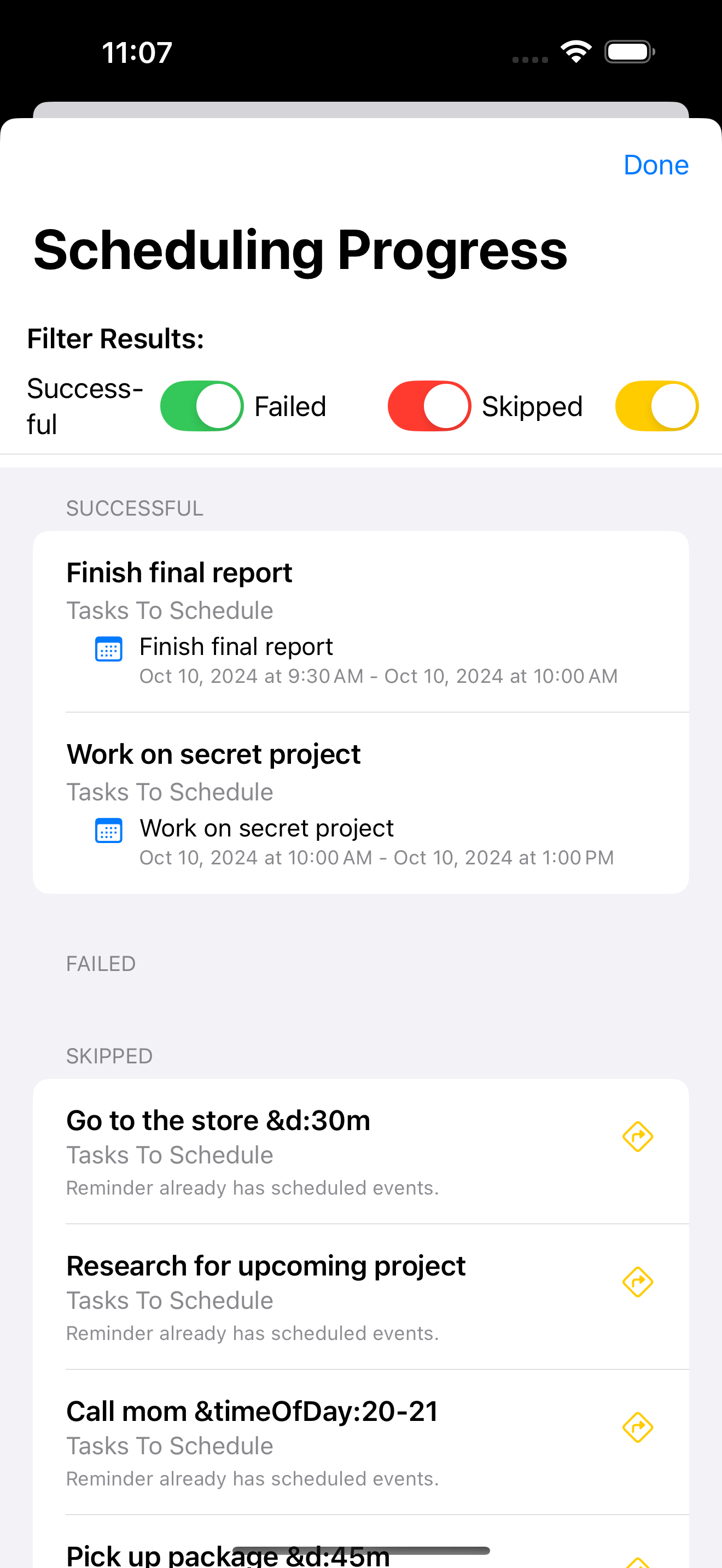
Custom Parameters in Reminder
Set custom parameters in your reminder title or notes, for example:
- &duration:4h or &duration:30m-1h
- &timeOfDay:9-12am or &timeOfDay:17-22
-
Reserved Time
Define periods when events should never be scheduled. Like at night, when you should be sleeping, or 9-5 if you want to schedule your hobbies.
-
Tweak to your needs
Plenty of advanced settings are available for the picky scheduler, including:
- Set default length of events
- Set rules for splitting events